
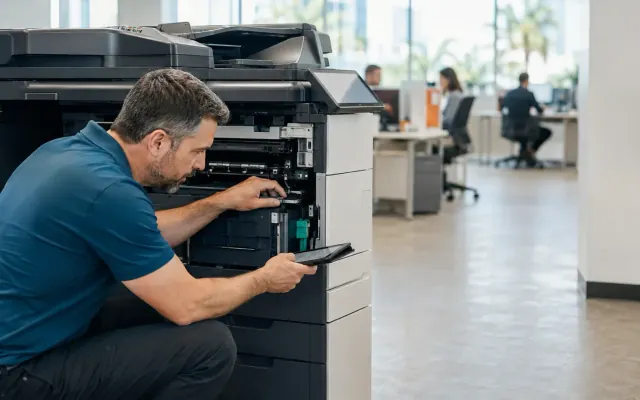
Begin with the actual failure
A jam, error code or print-quality problem can feel urgent when work is waiting. That urgency does not automatically mean the copier is finished. Many problems are isolated and economically repairable. The first step is to identify the symptom, affected functions and whether the issue is new or part of a pattern.
Record the error code, machine model and serial number. Note whether every user sees the problem, which paper source is involved and whether printing, copying and scanning are affected in the same way. Clear information helps a technician narrow the likely cause before arriving.
Repair is often reasonable when the machine still fits
If the copier has been dependable, parts remain available and the office still needs the same features and capacity, repair can be the practical choice. A worn roller, sensor, maintenance item or isolated component should be evaluated in the context of the equipment’s overall condition—not treated as proof that every major system is about to fail.
Repair also makes sense when the business needs time to plan a proper replacement. A rushed equipment decision can create years of unnecessary cost or workflow limitations. Restoring a suitable machine may give the office enough time to measure volume, compare proposals and schedule installation without pressure.
Recurring disruption changes the calculation
Replacement deserves serious consideration when downtime has become routine, several systems are aging at once or parts are difficult to source. Track the pattern, not just the latest invoice. Repeated visits, employee workarounds and delayed documents all carry a cost even when each individual repair appears manageable.
- Increasing frequency of service calls
- Long waits for discontinued or scarce parts
- Persistent print-quality or paper-handling problems
- Security or network limitations that cannot be updated
- Volume that has outgrown the device
- Scanning and finishing needs the current machine cannot meet
Downtime belongs in the cost comparison
Include employee time, missed deadlines, outsourced printing and the disruption caused by repeated failures. The repair bill alone does not show the full effect on the business.
Age matters less than condition and fit
There is no universal birthday when every copier should be replaced. A well-maintained machine in a light-duty office may remain useful longer than a newer device that has been consistently overloaded. Meter count, maintenance history, environment and parts support provide a more useful picture than age alone.
At the same time, an older copier can be reliable and still be the wrong fit. If employees rely on slow scan workflows, cannot print securely or constantly change paper trays, replacement may be justified by productivity rather than mechanical failure.
Ask for both paths when the answer is close
When repair and replacement are both plausible, request a clear explanation of each. For repair, ask what failed, what the work restores and whether other major maintenance items are approaching. For replacement, compare the proposed device with actual volume, features and support requirements instead of assuming newer automatically means better.
All Florida Technologies services major business copier brands across South Florida. For businesses in Broward, Miami-Dade and Palm Beach that need a dedicated repair route, STAT Business Systems accepts copier and printer repair requests and can also discuss replacement when repair is no longer sensible.
Make a documented decision
Keep a simple record of service events, meter counts and operating concerns. That history gives managers a fact-based reason to approve a repair or replacement and helps the next equipment recommendation address the problems that mattered. The goal is not to keep every copier forever or replace equipment at the first fault. It is to choose the option that restores dependable work with the least avoidable cost and disruption.