TASKalfa multifunction systems
TASKalfa devices are commonly considered for shared office environments that need robust multifunction workflows, higher volume, larger paper sizes or more finishing flexibility.


Authorized Kyocera dealer in South Florida
Choose a Kyocera multifunction system with local guidance, professional installation, user orientation and continuing support from All Florida Technologies.
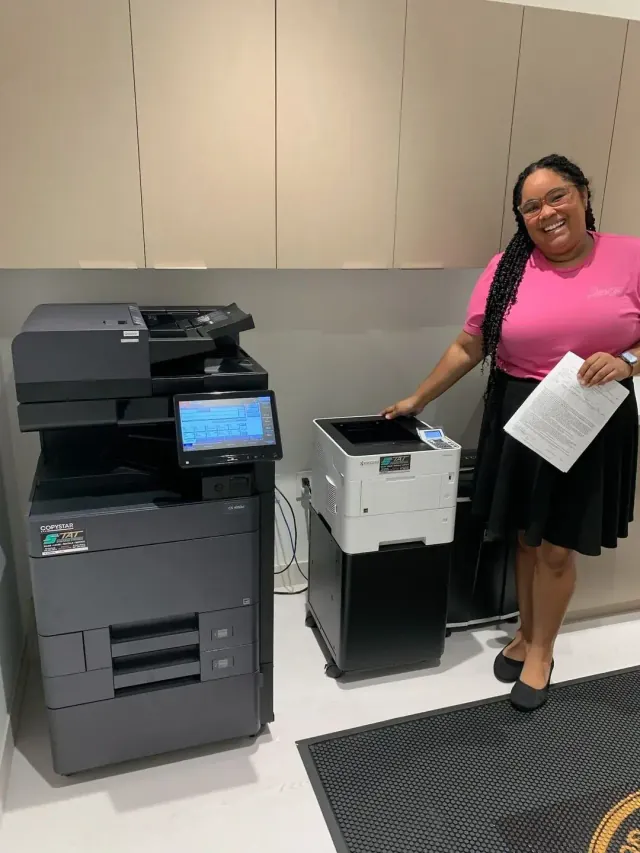
Authorized local expertise
Kyocera offers business printers and multifunction systems across a broad range of office needs. That range is valuable, but it also means the best option cannot be identified from a speed number or model name alone.
We review the people using the device, typical and peak monthly volume, color requirements, paper sizes, scanning destinations, finishing, security expectations and available space. Those details determine whether the office needs a compact A4 workgroup device, an A3 multifunction platform with more paper handling, or a mixed fleet serving different departments.
All Florida Technologies remains involved beyond equipment selection. We coordinate delivery and network preparation, configure the functions your team needs, provide basic orientation and establish a local support path. That continuity is what turns a capable Kyocera device into a dependable part of the office workflow.
Talk with our local teamWhat to consider
Kyocera’s product families cover different office roles. We help translate those categories into a practical equipment decision.
TASKalfa devices are commonly considered for shared office environments that need robust multifunction workflows, higher volume, larger paper sizes or more finishing flexibility.
ECOSYS options can serve desktop and workgroup roles where compact placement, efficient business printing and the right set of multifunction features matter.
Many organizations benefit from a central multifunction system supported by selected workgroup devices rather than forcing one model into every department.
Build the specification
These are the variables that most often separate a well-fitted system from a device that frustrates users or costs more than expected.
Letter and legal workflows may fit a compact A4 device, while 11 × 17 output and broader paper handling point toward A3 capability.
Use color where it supports client communication, charts or brand materials; avoid paying for color capacity where black-and-white is sufficient.
Destination, file format, searchable text, address books and document volume can make scanning capability more important than print speed.
Stapling, booklet output, multiple paper types and heavy peak volume influence trays, finishers and the overall footprint.
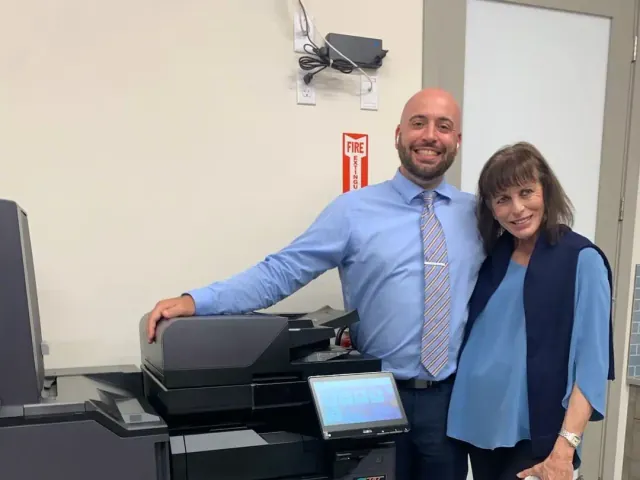
Local implementation
Before delivery, we review placement, access, network requirements and the users or departments that need to be connected. The machine can then be configured around actual destinations, defaults and permissions instead of being dropped into the office with generic settings.
User orientation helps staff understand everyday printing, scanning, paper selection and finishing. When questions or service needs arise later, the business has a local team familiar with the equipment and the reason it was selected.
A straightforward process
The model is selected only after the workflow is understood, helping prevent unnecessary features and avoidable limitations.
Review volume, applications, paper, scanning, users, network needs and current pain points.
Identify Kyocera options that fit the work, space and budget, then explain the practical differences.
Plan placement, network preparation, configuration and basic user orientation.
Use local support for service, supplies and workflow changes over the equipment lifecycle.
Questions, answered
Kyocera offers many configurations. These answers explain how we narrow the choices for South Florida businesses.
Ask a Specific QuestionYes. All Florida Technologies provides authorized Kyocera equipment guidance, sales and leasing options, installation and local support in South Florida.
TASKalfa is commonly used for shared multifunction environments needing broader paper handling, volume and finishing choices, while ECOSYS includes compact printers and multifunction devices for desktop and workgroup roles. The correct family depends on the application and exact configuration.
Yes. We can discuss leasing and purchasing based on your cash-flow preference, expected use, refresh plans and support requirements.
The answer depends on monthly and peak volume, color use, A4 or A3 paper needs, scanning, finishing, security expectations, space and the number of users. We size the recommendation around those factors.
Yes. Current Kyocera business systems offer network print and scan capabilities, but the specific destinations, file formats, authentication and workflow requirements should be reviewed before configuration.
We coordinate local delivery and setup and provide basic user orientation for the configured workflow. Tell us which functions matter most so the installation plan reflects them.
Yes. Our local team supports Kyocera equipment after installation. The exact service and supply arrangement should be reviewed with the proposal.
Local help starts here