Application fit
Define drawing sizes, line detail, grayscale or color needs, media types and the output expectations of clients and field teams.

Authorized KIP wide-format dealer
KIP wide-format printing and scanning solutions for architecture, engineering, construction and production environments across South Florida.
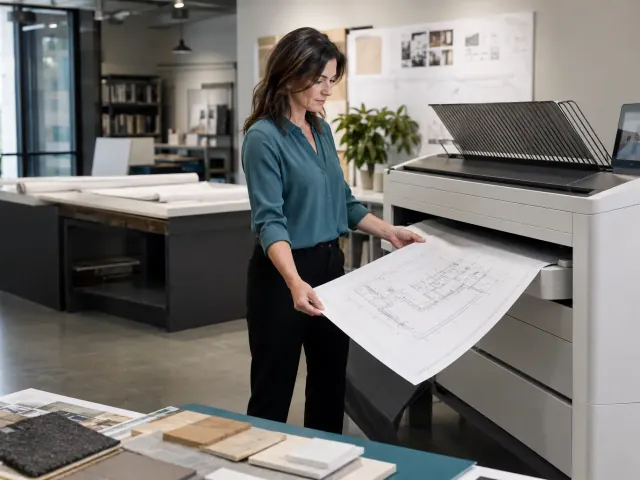
Technical document workflows
Wide-format decisions begin with more than maximum page size. An architectural set, construction package, shop drawing and presentation graphic can place very different demands on output quality, speed, color, scanning and job handling.
We review the documents your team produces, the file sources, expected monthly and peak volume, color requirements, operators and current bottlenecks. We also consider how finished prints will be collected, distributed or archived. That information shapes the system, software and accessory discussion.
Site preparation matters because wide-format equipment requires appropriate access, placement, electrical capacity, network connectivity and working clearance. Planning these details before delivery reduces disruption and helps the installation move from arrival to productive use more smoothly.
Talk with our local teamWhat to consider
The right KIP solution supports the path from digital file to finished technical document—not only the moment ink or toner reaches paper.
Define drawing sizes, line detail, grayscale or color needs, media types and the output expectations of clients and field teams.
Review job submission, queues, scanning, stacking and operator steps to reduce avoidable handling during busy deadlines.
Coordinate delivery access, space, power, network preparation, setup and user orientation with a South Florida team.
Size the environment
A balanced decision accounts for the work, the people operating the device and the physical space it will occupy.
Estimate normal volume and deadline peaks, including the number of complete sets produced during active projects.
Determine whether technical color is required for every job, selected applications or not at all.
Original drawings, markups and legacy documents may make integrated scanning and file workflow a priority.
Stacking, folding, media storage, operator clearance and delivery access affect the complete installation.
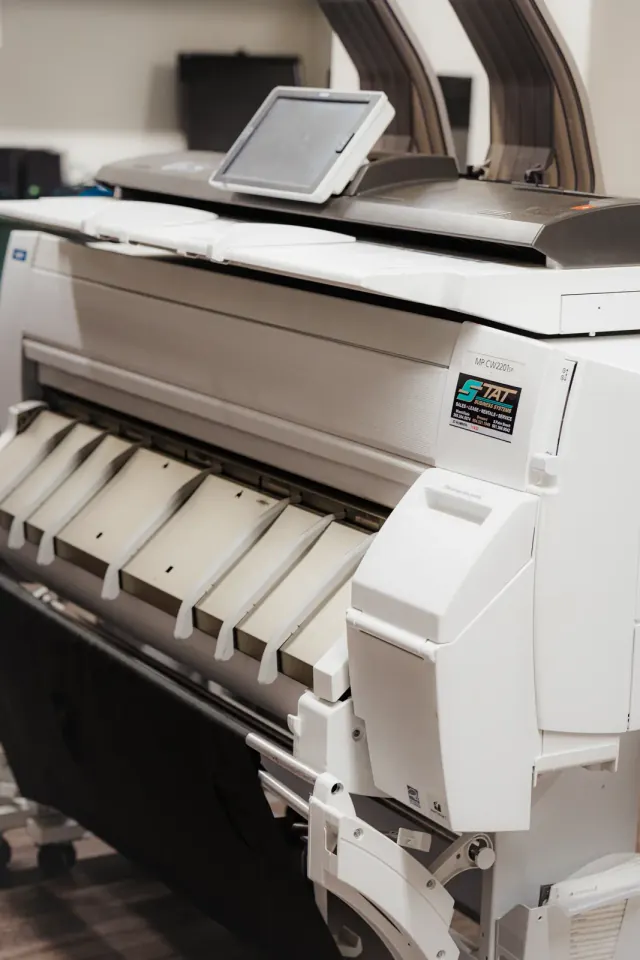
Built for technical teams
When a team produces large plan sets under deadline, small workflow problems repeat quickly. Walking jobs between computers, re-entering settings, sorting mixed documents or rescanning unclear originals can consume time that is rarely visible in an equipment quote.
A useful wide-format consultation maps those steps and identifies where the system, software, scanning or output handling can create a cleaner production path.
A straightforward process
The workflow and physical site are reviewed before equipment arrives, reducing preventable surprises during installation.
Review file types, sizes, color, scan needs, output expectations and present bottlenecks.
Evaluate a configuration sized for the intended production environment and peak demand.
Confirm access, placement, power, network, media and delivery considerations.
Install the system, orient users and establish the local support path.
Questions, answered
These are the details South Florida businesses most often want to understand before moving forward.
Ask a Specific QuestionArchitecture, engineering, construction, manufacturing, facility management and other teams that produce plans, drawings and large technical documents commonly use wide-format systems.
It depends on the documents and how color communicates information. Some teams need color for markups, maps or presentations, while others primarily produce monochrome technical sets. We review representative applications before recommending a path.
Scanning is available within appropriate KIP wide-format workflows. The original sizes, condition, desired file format and scanning volume should be discussed when configuring the system.
Delivery access, equipment footprint, working clearance, electrical requirements, network connectivity, media storage and output handling should all be reviewed before installation.
Yes. Rated speed is only one measure. We also consider file processing, job submission, scanning, operator steps, set production and how finished documents are handled.
Yes. All Florida Technologies supports South Florida customers from equipment planning through installation and ongoing needs.
Local help starts here